Start with a face you can already recognise
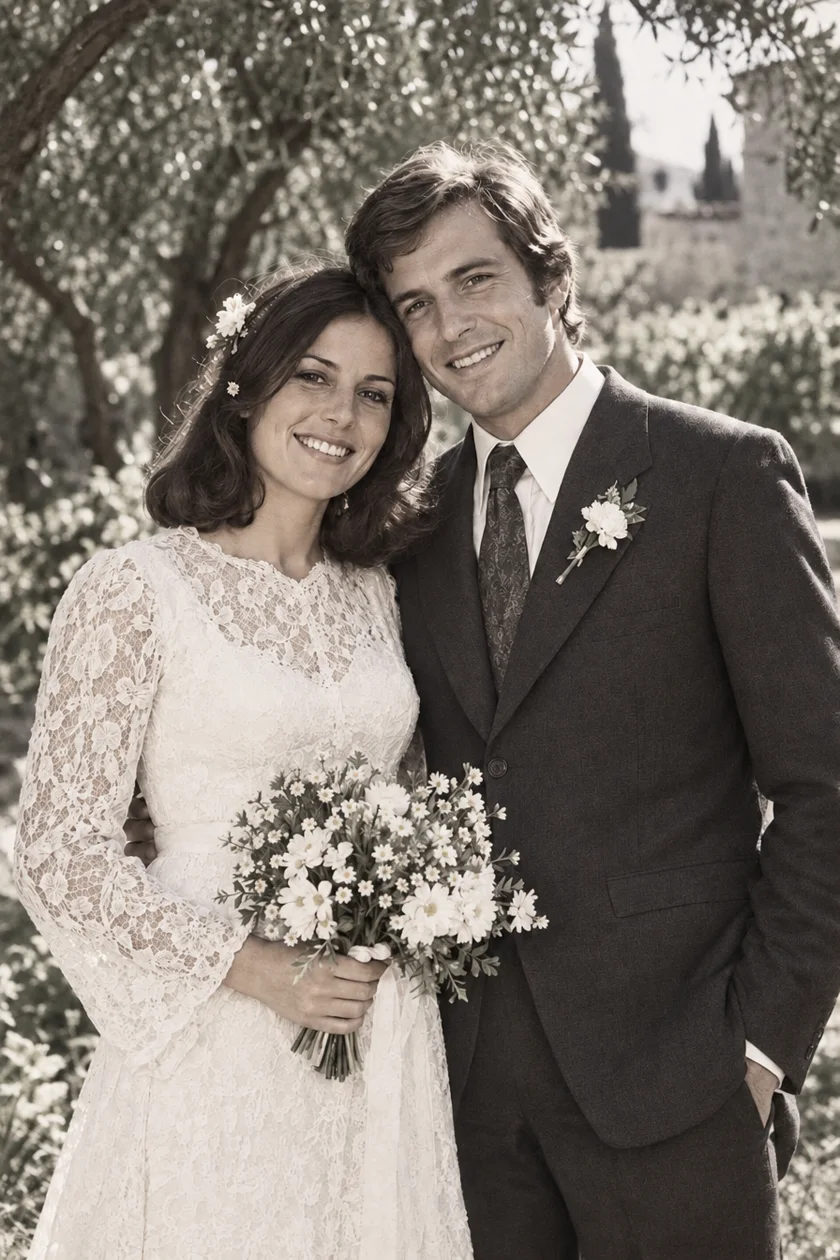
Choose a portrait with a visible face, open eyes and enough space around the head. A simple background makes the result easier to judge. For a first attempt, one person is easier to check than a crowded wedding photograph with many tiny faces.
Use the largest original file you have, rather than a screenshot of a message. If the only copy is a print, photograph or scan it carefully before doing anything else. Cropping away a frame can help, but avoid cutting through hair, hands or shoulders.
| The photograph | A sensible first step |
|---|---|
| Clear portrait, little damage | Try animation and check the whole clip. |
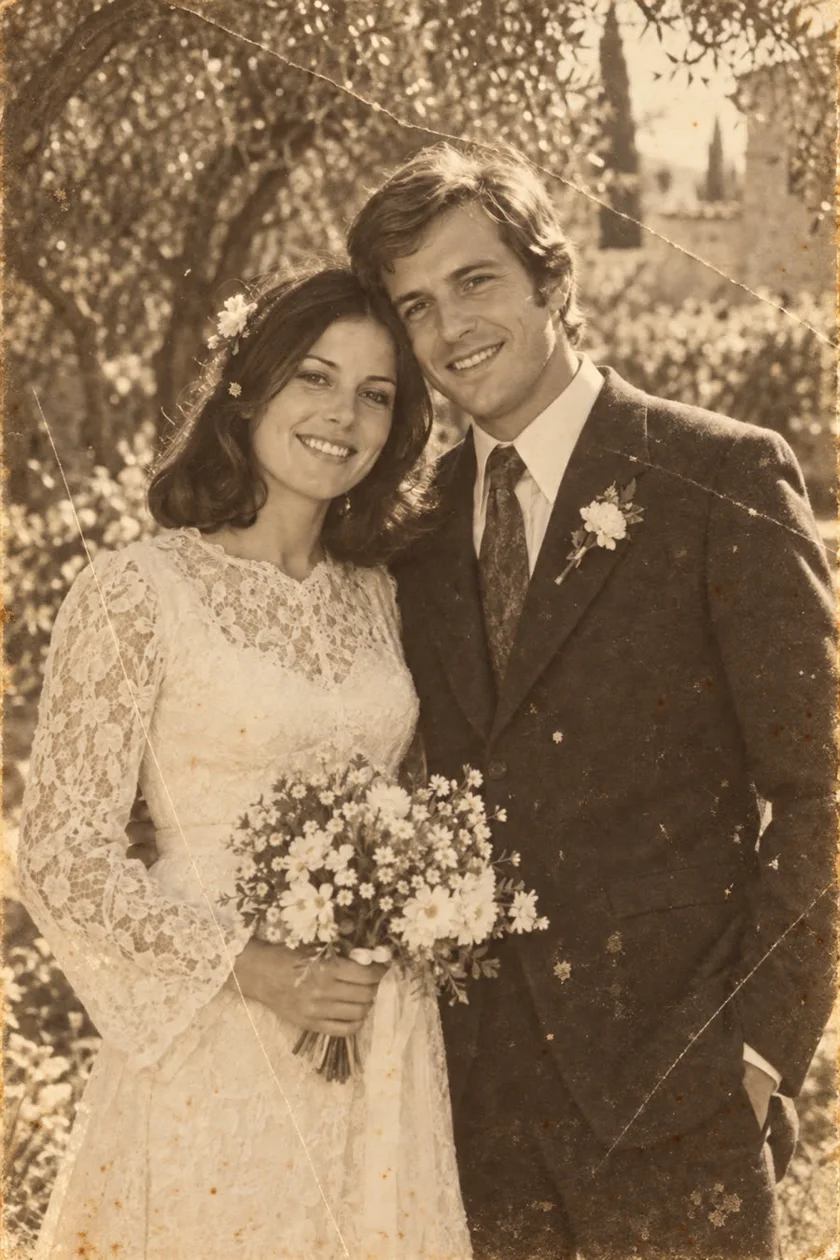
| Scratches or a crease across the face | Restore a copy, then inspect the face before animating. |
| Small face in a large group | Find a better source or make a careful portrait crop. |
| Face largely missing or out of frame | Choose another photograph; motion will not recover evidence. |
Restore damage before adding movement
A crease across an eye can become more distracting once the face starts moving. If the picture is damaged, restore a copy first and compare it with the original. Pay attention to the eye shape, mouth, hairline and any recognisable marks. A cleaner picture is only useful if it still feels like the same person.
Keep the untouched scan separately. If restoration has changed an important facial feature, do not use that version as the basis for your animation. Try a better scan or choose another portrait instead of repeatedly processing a result that has already drifted.
Create a short animation in PixAgain
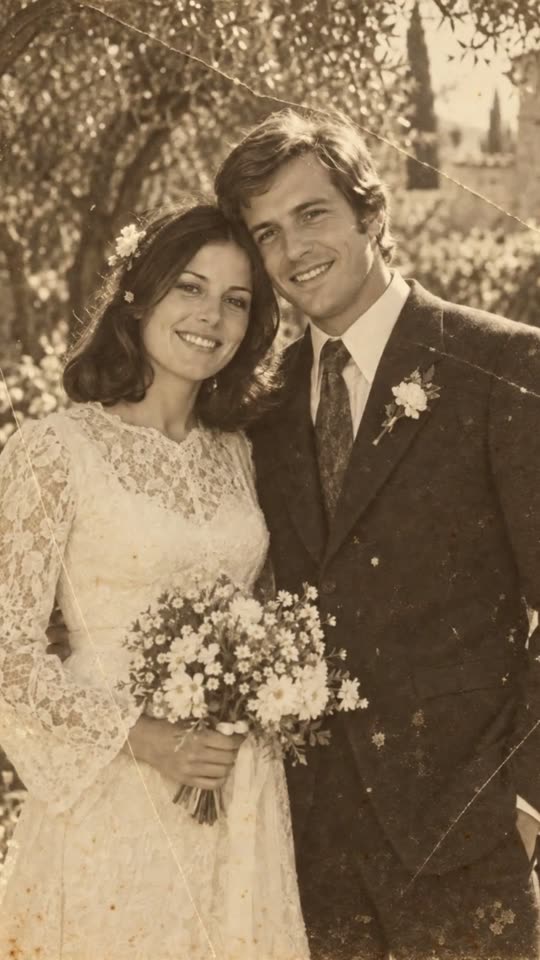
Open PixAgain on Android. If necessary, use Photo mode to select your picture and restore it. Review the result and save the version you want to animate. Then switch to Video mode, add that image and start the animation.
Video requires a subscription with an available video allowance: Lite includes 2 videos per week and Premium+ includes 10. The free first successful photo restoration and the one-time Mini photo pack do not include video. Check the plan shown in the app before purchasing.
- Watch the whole result at normal speed, then pause on the eyes and mouth.
- Check that earrings, glasses, hands and the background do not distort.
- Save the accepted clip with the original photograph, not in place of it.
Judge the likeness, not just the movement
A lively clip is not automatically the best clip. Unfamiliar expressions, changing teeth or a wandering gaze can make a recognisable portrait feel wrong. If the likeness does not hold, keep the still image. There is no obligation to animate every photograph in an album.
Before sending an animation of a deceased relative, consider whether the recipient would welcome it. A simple message explaining that it is an AI animation gives them context and a choice about watching.
Share a memory without rewriting its history
The movement is generated; it does not show what happened when the photograph was taken. MyHeritage makes the same distinction in its documentation for Deep Nostalgia: an animated result is a simulation, not authentic footage.
Label your file and caption accordingly. For example: “AI animation made from a family photograph, original dated approximately 1955.” Add the names and any known location separately, and mark uncertain details as uncertain. That makes the clip enjoyable today without confusing someone who finds it years from now.
Restore the photo. Keep the feeling.
Start with one free restoration. Decide what comes next after you see your result.
 Plans ↗
Good questions.
Can I animate a black-and-white family photo?
Yes. Colour is not required for photo animation. Start with a clear face and check that the result preserves the likeness you expect.
Does animation reveal how the person really moved?
No. It creates plausible motion from a still photograph. It is a creative interpretation, not recovered historical video.
Is animation included in the free PixAgain photo?
No. The free allowance is one successful photo restoration. Video is available with Lite or Premium+ while video allowance remains.
Sources & further reading
Written with AI assistance; product details checked against PixAgain. Read our editorial approach.