
Less damage.
More of the memory.
Restore scratched photos on Android with a simple, automatic workflow. Give worn family prints a cleaner digital version while keeping the original.

Your first successful restoration is free.
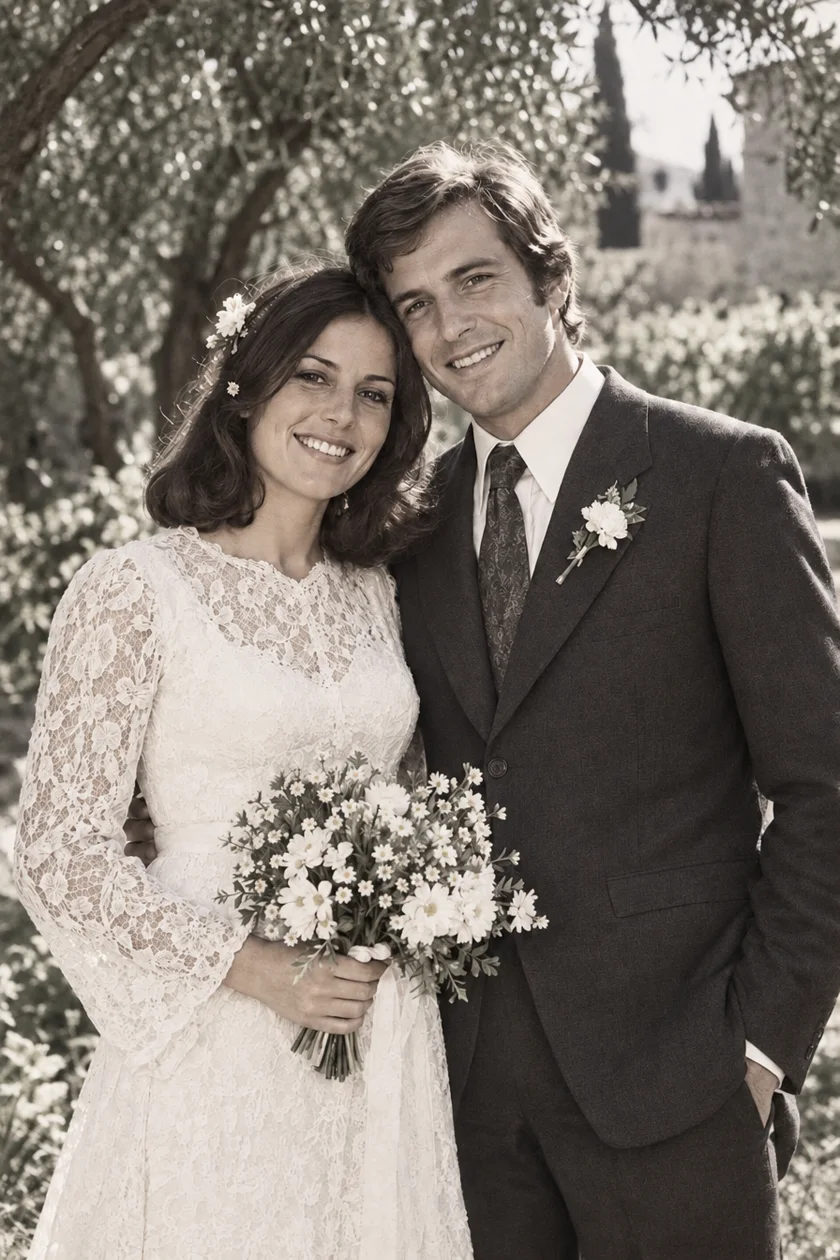
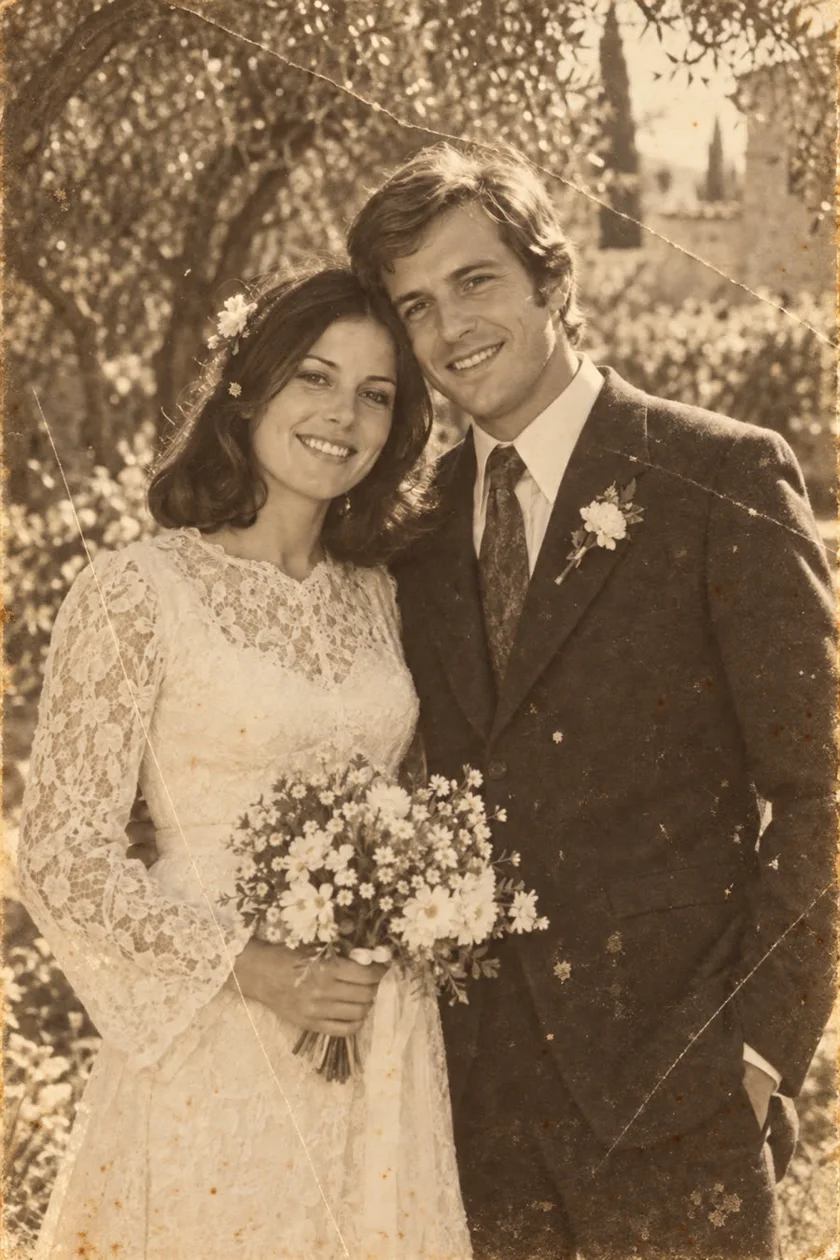
Start with a better copy
A scratch on a print is different from glare in a phone photograph. Scan the print or capture it in even, indirect light before you use AI. Keep the whole image in focus and save this untouched copy separately.
One restoration, without a toolkit
Choose your image in PixAgain and tap Restore. The app requests a whole-image restoration: there are no brushes to learn or repair masks to paint. It aims to reduce scratches, dust and creases while gently improving faded detail.
Check the parts that matter
A scratch across a plain background is a different problem from a crease through an eye. Inspect faces, hands, writing and the edges of repaired areas. Where information is missing, AI may generate a plausible but incorrect detail. A valuable or severely damaged original may need a photographic conservator.
Try one photo before choosing a plan
Your first successful restoration is free. For a few more pictures, Mini adds three standard-quality restorations in one purchase. Larger collections can use weekly Lite or Premium+ allowances. The local price is shown in the store before you buy.
That photo you love.
See it clearly again.
Start with one free restoration. Decide what comes next after you see your result.
Your first successful restoration is free.